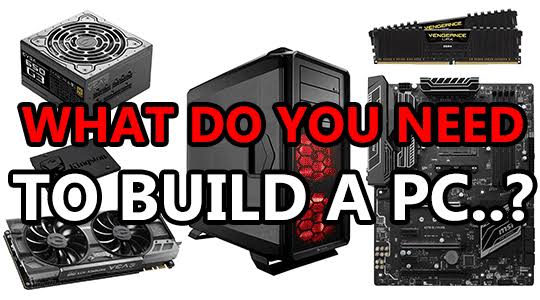
Featured Post
A list of all parts and prices needed to build a custom computer & Gaming PC
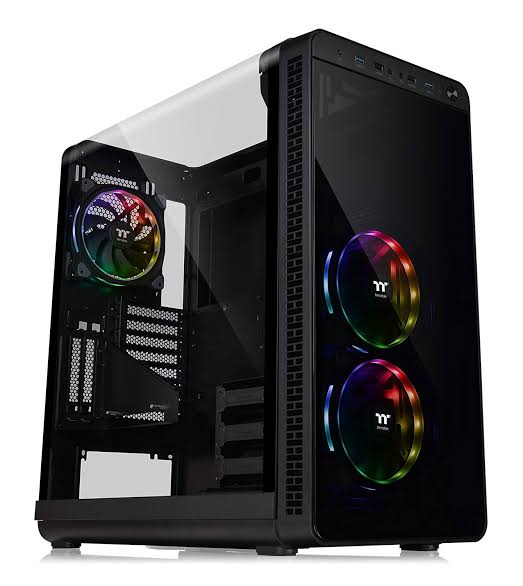
A case is where everything is housed. You’ll want to make sure your case allows for adequate airflow to cool your parts and has enough space to fit everything. Additionally, cases often come with all required mounting hardware. Cases come in a variety of sizes ranging from tiny cubes to massive full-tower eATX behemoths – for example, ATX cases and micro-ATX cases
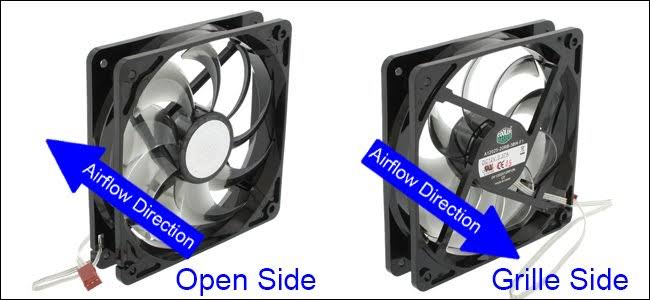
You want no less than 2x 120mm fans, 1 for exhaust and 1 for intake. Most cases come with at least 1 fan. Often, bigger is better, but not all cases can fit fans larger than 120-140mm. Fans are the primary controller of the air pressure inside of your case. Make sure your fans are setup to provide the best cooling solution (positive vs negative air pressure) based on your requirements.
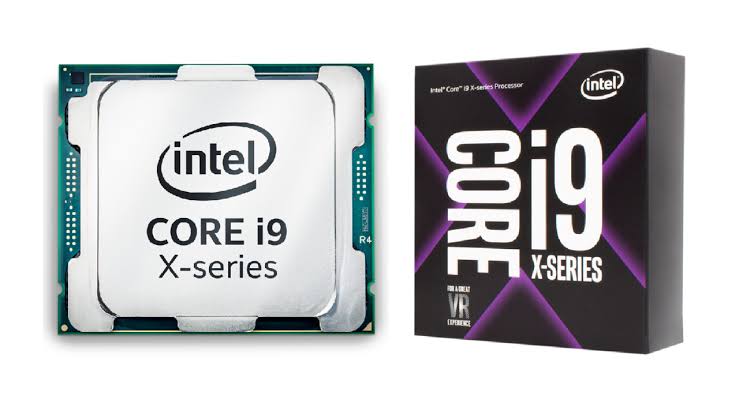
CENTRAL PROCESSING UNIT (aka CPU) Your CPU does the bulk of the thinking for your computer. Your CPU and motherboard must be compatible with one another, this means finding one with the right

Motherboard (AKA) MOBO
Your MOBO is what everything plugs into and communicates through. Make sure your motherboard supports everything you’d like to install in your build. There are multiple sizes of motherboard, primarily mATX and ATX, beyond that you also have the much smaller mITX as well as the huge eATX.
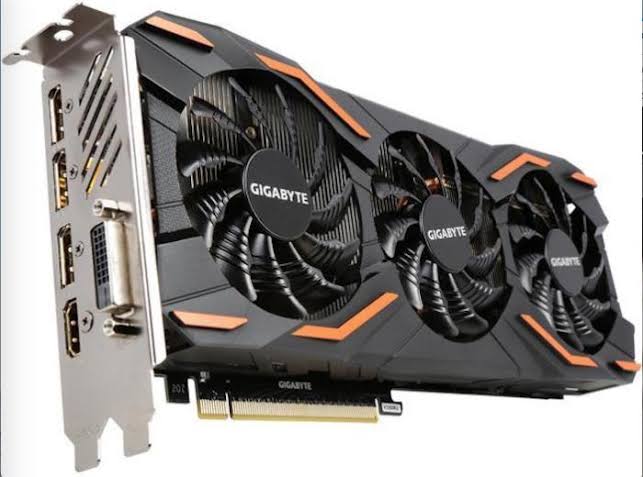
Graphics card (aka GPU)
A GPU is the most important part of any gaming PC but is much less important for general use PCs.
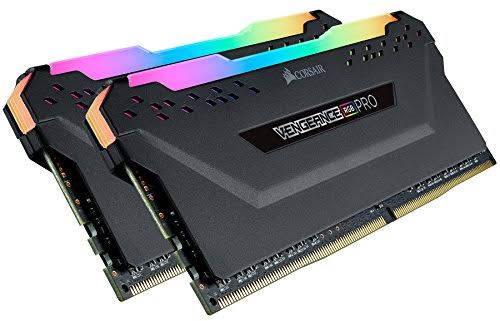
RANDOM System Memory (aka RAM)
Without enough RAM, your PC won’t function well. The baseline minimum you should have is 8GB, or 16GB if you’re building a mid-range to high-end gaming PC. Not all RAM is compatible with all systems; your RAM must be compatible with your processor and motherboard. Generally, this means using DDR4 and only DDR4, but DDR3 can still be used in older systems.
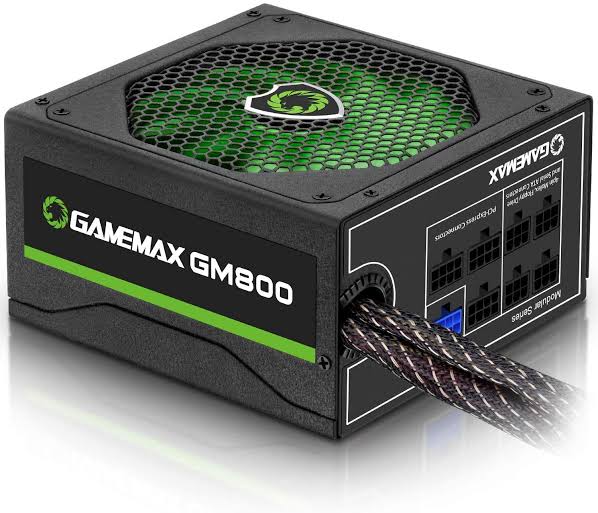
Power supply (aka PSU)
A quality PSU is extremely important when it comes to building your own desktop. Make sure your PSU is capable of supplying enough power for all of your components. At the same time, there’s no point in getting overzealous and buying a PSU with too much extra wattage. Generally speaking, 100-200W of headroom is all you need
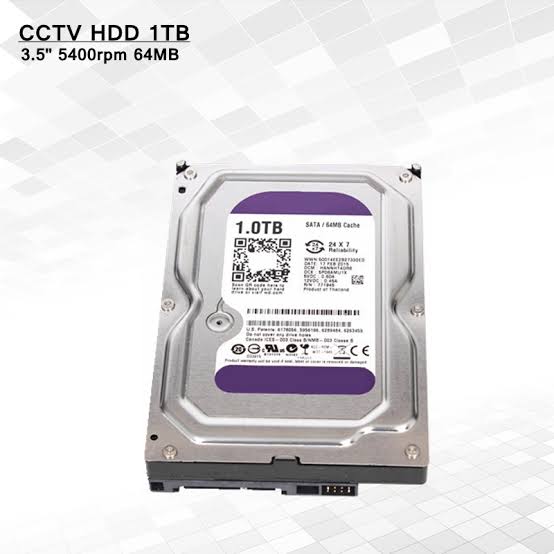
Storage (HDD and SSD)Storage comes in 2 primary forms, HDDs and SSDs. HDDs are much cheaper, but slower. SSDs are up to 15x faster, but cost way more per GB of storage. You can run combinations of SSDs and HDDs depending on your requirement
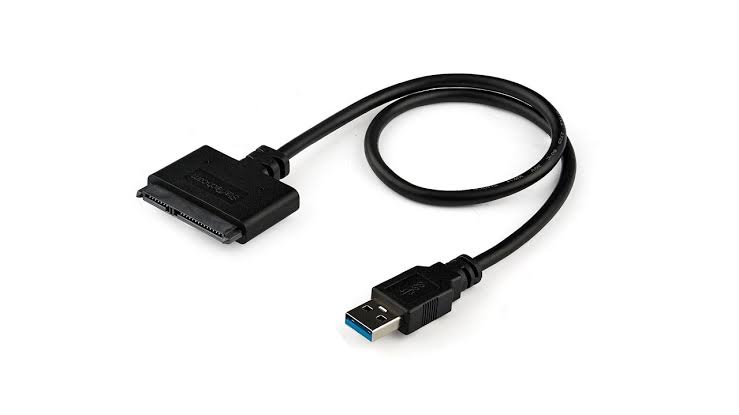
SATA data cables are used for hooking up things like storage and disc drives. Most cases will come with 2, but if you’re adding more than 2 SATA-connected parts then you’ll need to get more. Luckily, SATA data cables are fairly inexpensive and you can often get packs of 2-3 for less than 500PESOS

- Operating System (aka OS) The last thing you’ll need for your computer is an operating system. You pretty much have 2 choices here, either Windows or Linux. Both have their pros and cons, but Linux is definitely geared towards more advanced users. On the other hand, Windows is often better for out-of-the-box compatibility with basically everything.
 Dasel Computer parts Shop